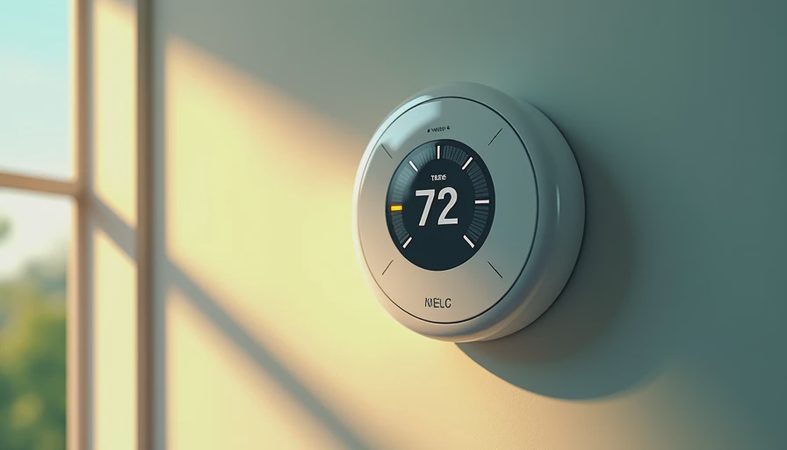
A Nest thermostat is one of the easiest ways to add smart scheduling and remote temperature control without turning your HVAC system into a science project. I have spent enough time testing connected home gear in Miami humidity to know where these products shine and where marketing gets creative. The short version: Nest makes the most sense for homeowners who want automatic scheduling, an attractive wall display, and an app that does not require an engineering degree.
Which Nest thermostat should you buy?
Google's current lineup generally falls into two useful choices: the standard Nest Thermostat and the more advanced Nest Learning Thermostat. The standard model is typically the value pick, often selling around $100 to $130 depending on promotions. It uses a simple side-touch interface, supports remote control through the Google Home app, and can create a basic schedule based on your preferences.
The Nest Learning Thermostat costs more, often around $200 to $280, but adds a metal finish, a sharper display, more detailed system information, and learning features. It watches the temperatures you select and the changes you make, then builds a schedule over time. That sounds clever, but automatic learning is not magic. If your household has irregular hours, frequent guests, or a dog that keeps bumping the settings, manual scheduling can be more predictable.
The standard Nest thermostat is the one I would consider first for a rental or a starter smart-home setup. The Learning model earns its higher price when appearance, richer controls, and compatibility with more complex HVAC equipment matter to you.
Compatibility matters more than the color
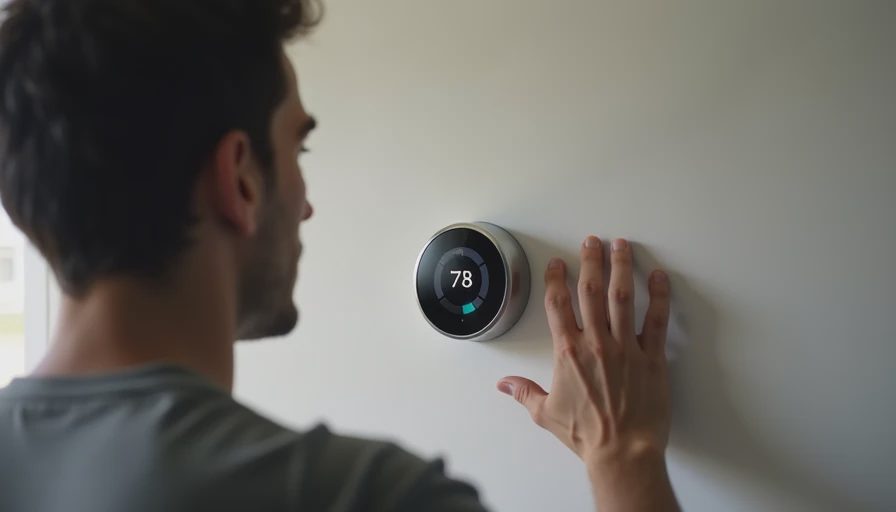
Before buying any Nest thermostat, use Google's compatibility checker and identify every wire connected to your existing wall control. Most conventional systems with heating and cooling are straightforward, but heat pumps, dual-fuel systems, multi-stage equipment, humidifiers, dehumidifiers, and zoned HVAC setups deserve extra attention.
The C-wire, or common wire, supplies continuous power to many smart thermostats. Some Nest models can operate without one by drawing small amounts of power through the HVAC circuit. That arrangement works in many homes, but not every system responds well. Symptoms of a poor match can include a blank display, intermittent Wi-Fi, a system that clicks on and off, or a thermostat that reports low battery.
A professional installation commonly costs about $100 to $250, depending on wiring and local labor. That is cheaper than replacing a control board after guessing incorrectly. Turn off power at the HVAC breaker before touching wires, photograph the old connections, and label each wire by its terminal rather than by color. Wire colors are conventions, not guarantees.
What a Nest thermostat does well
The biggest benefit is control from anywhere. If you leave for a weekend and realize the air conditioner is still set to 70 degrees, the Google Home app lets you change it from your phone. You can also create different temperatures for morning, away periods, evening, and sleep. In a humid climate, that schedule is more useful than chasing the lowest possible temperature. Excessive cooling can waste energy while leaving the space clammy if the system cycles too quickly.
A Nest thermostat can also send maintenance reminders, show heating and cooling history, and provide alerts when the system behaves unusually. These features do not replace a technician, but they can help you notice a failing condenser or a filter that has been ignored for months. The display is another strength. It is bright, readable from across a room, and less visually clumsy than many bargain smart controls.
The energy-saving features are best viewed as guardrails, not guaranteed savings. A household that leaves the air conditioning at the same setting all day may see a meaningful reduction after adding a schedule. A household that already adjusts its thermostat carefully may notice a smaller difference.
Nest thermostat installation and daily use
Installation is usually manageable for a confident DIY homeowner. The process involves shutting off power, removing the old thermostat, securing the Nest base, connecting labeled wires, and completing setup in the app. The first setup takes roughly 20 to 45 minutes when the wiring is compatible. The most common mistake is rushing through the system type selection or forcing a wire into the wrong terminal.
Once installed, use the physical control rather than relying entirely on your phone. The standard unit has a side-touch strip, while premium versions use a rotating outer ring. Both let you adjust temperature quickly when you are standing in the hallway. App control is more useful for schedules, vacation changes, and notifications.
In my own home-appliance testing, I care about behavior after the first week, not just the unboxing moment. A connected thermostat should reconnect after a router restart, keep its schedule during a brief internet outage, and avoid nagging notifications. Nest generally delivers a polished experience, although Google account setup and app changes can frustrate people who prefer a completely local device.
How Nest thermostat compares with alternatives
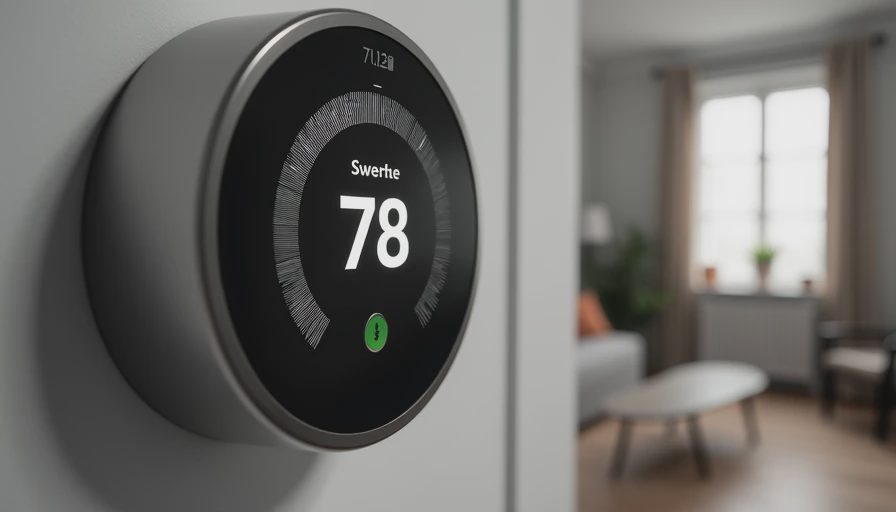
Ecobee is the closest major alternative. Its smart thermostats often appeal to people who want room sensors, stronger room-by-room temperature awareness, and broader accessory support. Honeywell Home and Resideo offer familiar thermostat designs and a wide range of HVAC compatibility, including equipment that can be awkward for simpler smart models. Sensi is another practical option, especially for buyers focused on straightforward controls and lower upfront cost.
A Nest thermostat has the cleanest mainstream design of this group and one of the easiest learning curves. Ecobee can be better for a large home where the bedroom and living room have very different temperatures. A basic programmable thermostat can still be the best value if you rarely need remote access. Spending $130 on a smart device will not improve comfort if your ductwork leaks, your filter is packed with dust, or your air conditioner is badly oversized.
My buying advice
Buy the standard model if you want remote access, scheduling, and a clean interface at a reasonable price. Choose the Learning version if you value premium materials, extra system information, and a thermostat that can adapt to a fairly consistent routine. For a heat pump, multi-stage system, or accessory such as a whole-home dehumidifier, confirm compatibility before opening the box.
The Nest thermostat is not an air-quality monitor, a repair tool, or a substitute for proper HVAC maintenance. It is a control surface that can make a good system easier to manage. Check the filter monthly, keep outdoor equipment clear, and compare your energy use across similar weather rather than trusting a single bill. If your wiring passes the compatibility check and you want useful automation without a wall full of buttons, this remains a sensible upgrade. Just spend five minutes verifying the system before spending your money.