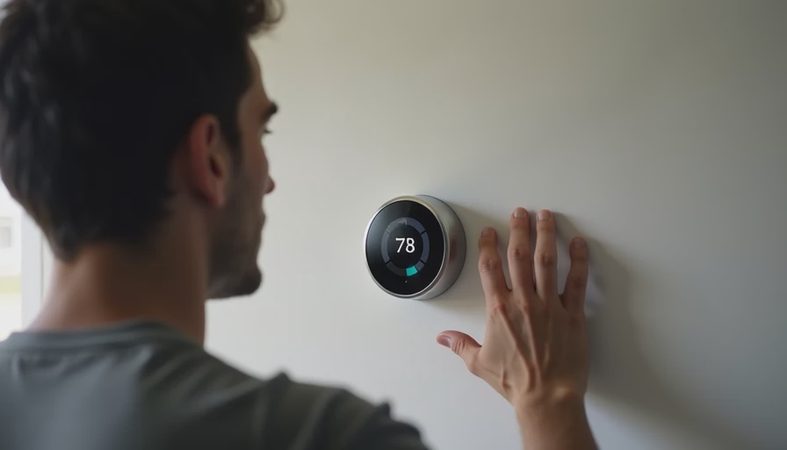
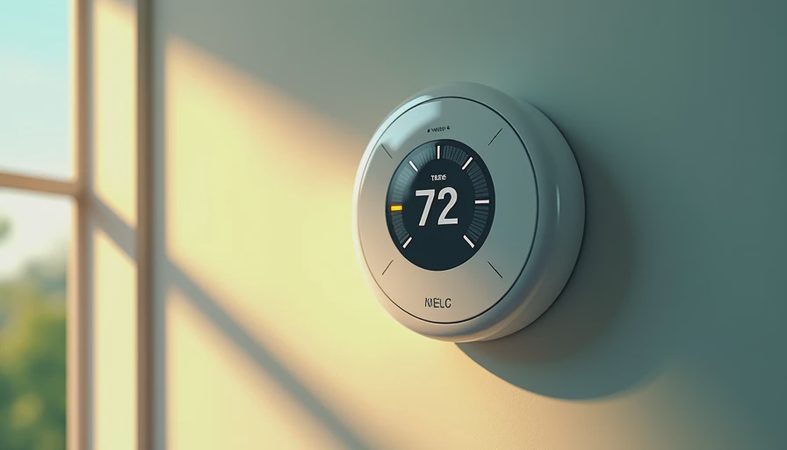
A Honeywell thermostat can be a sensible upgrade, but the name covers everything from a basic wall timer to a connected controller with room sensors and geofencing. I have spent enough time testing home climate gear in Miami humidity to know the uncomfortable truth: the fanciest display does not automatically make your HVAC system run better. The right model depends on your wiring, equipment, schedule, and tolerance for another app.
That last point matters. A thermostat is not an air purifier with a dramatic filter claim; its job is quieter and more important. It tells heating and cooling equipment when to operate, then tries to keep the room near your selected temperature. A good unit does this reliably, avoids excessive cycling, and gives you useful control without turning a simple adjustment into a phone-based scavenger hunt.
Honeywell thermostat models explained
The current lineup includes several distinct categories. A basic programmable model such as the RTH2300B uses a schedule and a straightforward screen. It is inexpensive, often available for roughly $25 to $45, and works well for a rental or a homeowner who wants set-it-and-forget-it control. You will not get remote access, but you also will not be paying for features you never use.
Midrange models such as the RTH9585WF add Wi-Fi, a color touchscreen, scheduling, and remote adjustments. A Honeywell thermostat in this tier commonly sells around $100 to $180. That price can make sense if you travel, manage a second home, or want to check whether the air conditioning is running while you are away. The screen looks more polished than a basic unit, although a bright display can be annoying in a dark bedroom.
The T9 and T10 Pro sit higher in the range and are designed around room sensors. Those sensors can measure temperature in a bedroom, office, or nursery instead of relying only on the hallway wall. The T9 is usually the easier retail purchase, while the T10 Pro is commonly installed through HVAC professionals. Expect to see prices from about $150 to $250 before installation, depending on the package and seller.
Check compatibility before buying
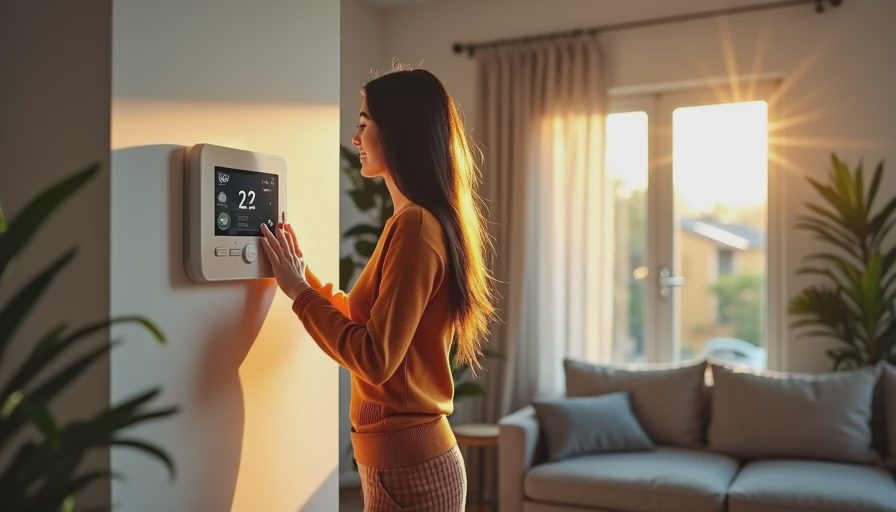
Do not remove your old controller and start guessing at wires. Photograph the existing terminals first, then write down the labels: R, Rc, C, Y, G, W, O/B, and any accessory connections. The letter tells you more than the wire color. A blue wire is often connected to C, but installers do not always follow the color convention.
Many Wi-Fi models require a C-wire for continuous power. Older homes sometimes lack one, especially where a simple battery-powered thermostat was installed. Some Honeywell thermostat packages include a power adapter or wire-saving accessory, but compatibility depends on your system. Heat pumps, dual-fuel equipment, electric heat, humidifiers, dehumidifiers, and multi-stage systems deserve extra caution.
Turn off power at the HVAC breaker before touching wiring. The low-voltage terminals are not usually a serious shock hazard, but a short can damage a control board that costs several hundred dollars to replace. If your system has unusual labels, multiple zones, or separate heating and cooling equipment, paying an installer $100 to $250 is cheaper than converting a wiring mistake into an emergency service call.
Smart features that earn their keep
Remote control is the obvious benefit, but it is not the feature I value most. A useful Honeywell thermostat should make scheduling easy, show the current indoor temperature clearly, and avoid losing its connection every time your router restarts. The Resideo app supports remote control for compatible Honeywell Home models, though the exact functions vary by model and system.
Room sensors are more practical than many smart-home tricks. If your hallway reaches the target temperature while your bedroom remains warm, a sensor can give that bedroom more influence during a selected schedule period. That does not create extra cooling capacity, and it cannot fix a blocked vent or a dirty filter. It simply helps the system respond to the room you actually occupy.
Geofencing can reduce unnecessary heating or cooling when everyone leaves. In a small home, the savings might not justify a more expensive device. In a larger house with an erratic schedule, avoiding several hours of empty-home cooling can add up. I would rather see a dependable schedule and accurate temperature reading than a thermostat stuffed with novelty settings.
How to set up a Honeywell thermostat properly
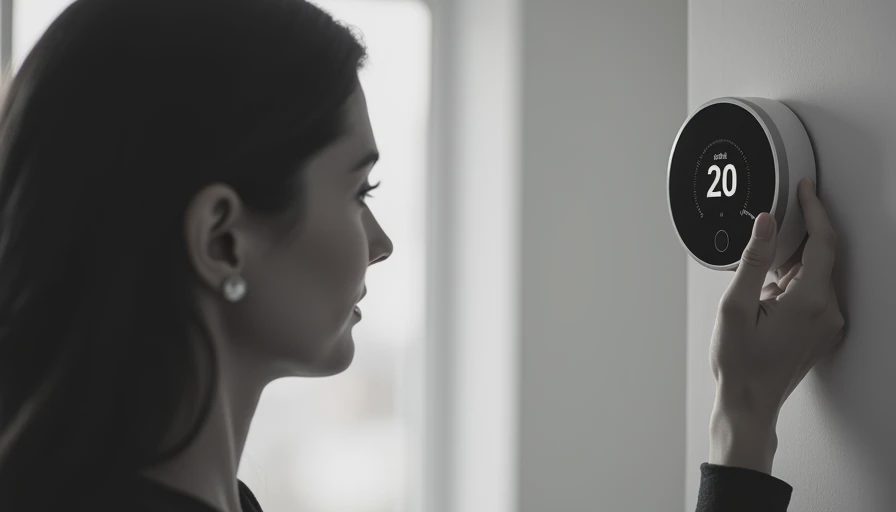
Start with the equipment type, not your preferred temperature. During setup, identify whether you have conventional heating and cooling or a heat pump. Selecting the wrong configuration can cause the system to blow cool air when you expect heat, or activate auxiliary heat unnecessarily. Read the installation screen carefully instead of accepting every default.
Next, create a schedule based on real occupancy. A common starting point is one temperature for waking hours, one for the time everyone leaves, one for the return home, and one for sleep. Large setbacks are not always helpful with heat pumps, which may use auxiliary heat to recover quickly. In humid climates, raising the cooling setting too far can allow indoor moisture to climb even when the room still feels acceptable.
After setup, test every mode. Run heating, cooling, fan-only operation, and any emergency or auxiliary setting your system uses. Confirm that the equipment starts and stops normally. Then compare the thermostat reading with a separate thermometer placed nearby, away from a supply vent, window, or direct sunlight. A difference of a degree is not automatically a defect, but a larger mismatch deserves investigation.
Honeywell thermostat alternatives and buying value
Google Nest models are attractive for homeowners who want strong learning features and broad smart-home integration. ecobee models often appeal to people who want room sensors, detailed scheduling, and voice-assistant support. A basic Emerson or Sensi model can be the better value when you only need Wi-Fi control and a clean schedule.
Still, familiarity has value. Honeywell has a long history in residential HVAC controls, and its product range gives renters, budget shoppers, and equipment-heavy homes different entry points. The mistake is paying $200 for features your system cannot use. A single-stage air conditioner does not become more efficient because its wall control has a premium touchscreen.
Look at the total cost: thermostat, optional sensors, installation, and any required adapter. A $45 programmable unit installed with existing wiring can outperform a $180 smart model that requires an electrician or HVAC technician. Conversely, a connected model can pay for itself in convenience if you routinely forget to adjust the temperature before a trip.
My buying checklist for home climate control
Before ordering, take a clear photo of the old wiring and record the equipment brand and model. Check whether a C-wire is present, confirm that the new controller supports your system type, and verify whether room sensors are included or sold separately. Read the return policy because compatibility problems often appear only during setup.
Choose a basic programmable model for a stable schedule and a tight budget. Choose Wi-Fi when remote access genuinely matters. Choose the T9 or T10 Pro style of system when different rooms have noticeably different temperatures and sensor-based control can address the problem. Do not expect any thermostat to repair poor insulation, undersized equipment, leaky ducts, or an HVAC system overdue for maintenance.
A Honeywell thermostat is worth considering when you match the model to the equipment instead of shopping by screen size. The best purchase is the one that starts reliably, reads temperature sensibly, and lets you control comfort without creating another household chore. Check your wiring first, compare the full installed cost, and then choose the simplest model that solves your actual problem.